Find posts and creators
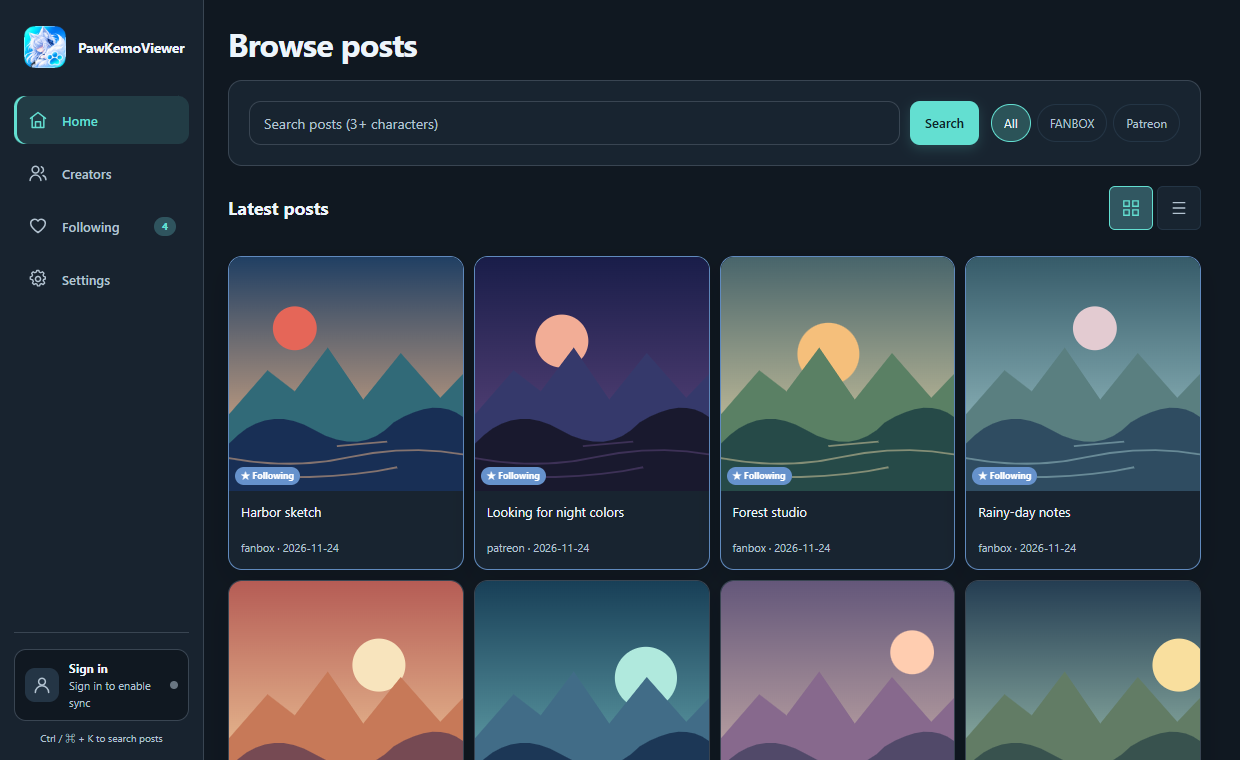
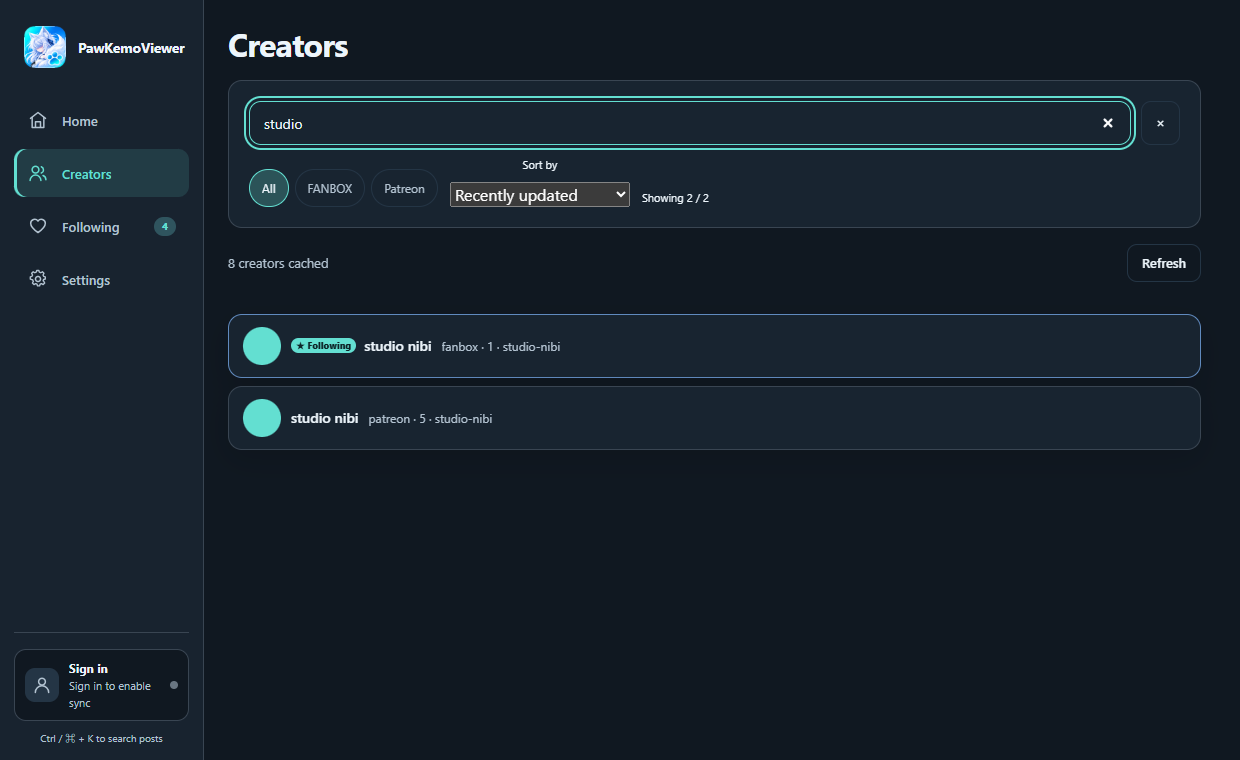
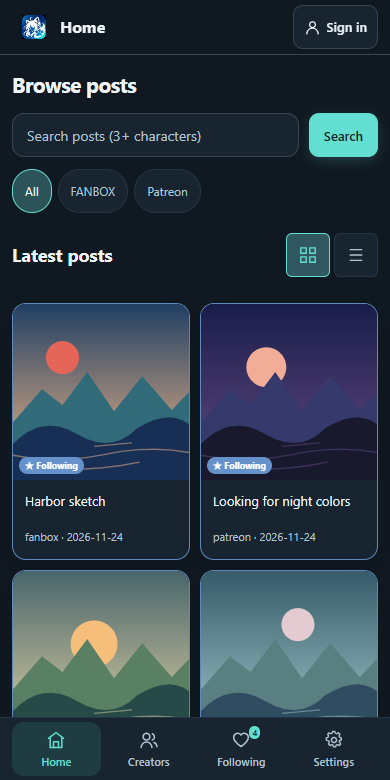
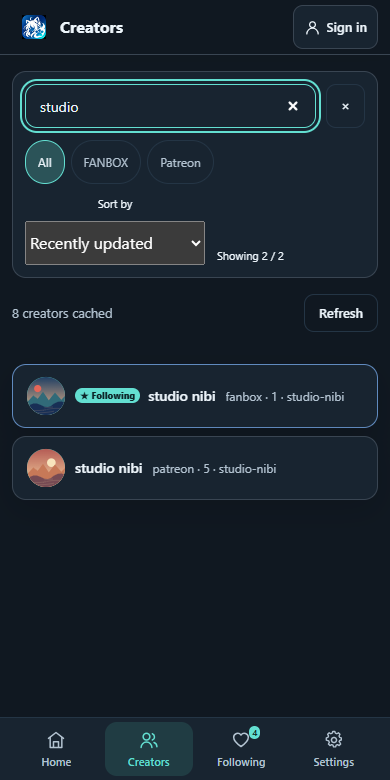
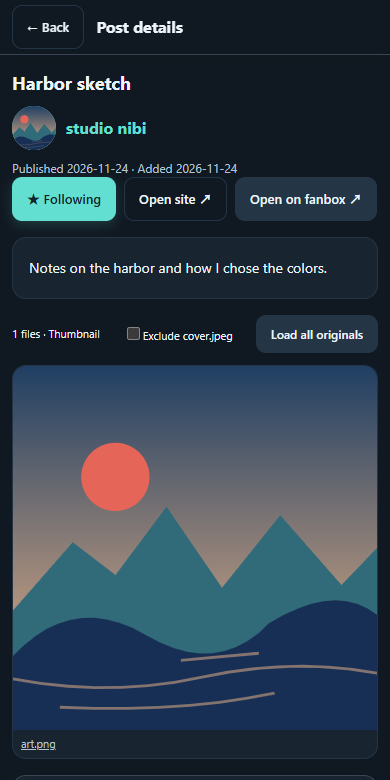
Browse posts from Home. In Creators, search by name, ID, or a supported service URL. Tap or click the creator’s name or avatar under a post title to see their page.
 PawKemoViewer
An unofficial viewer that uses the public Pawchive API to browse posts, search for creators, and follow updates. Use the bottom menu on mobile or the sidebar on desktop.
Browse posts from Home. In Creators, search by name, ID, or a supported service URL. Tap or click the creator’s name or avatar under a post title to see their page.
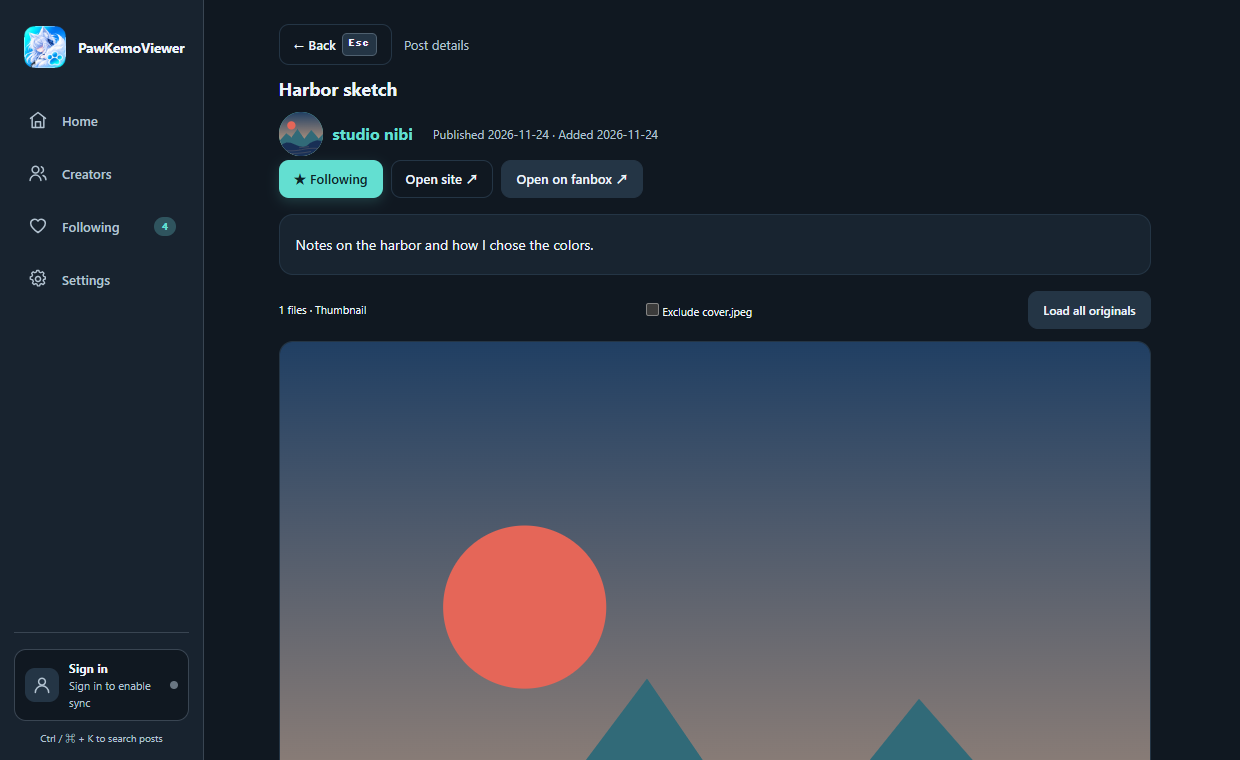
Original post links can open the corresponding Pawchive post when it is found. The original-service buttons above the article use your system browser. The mobile in-app viewer shows the current URL.
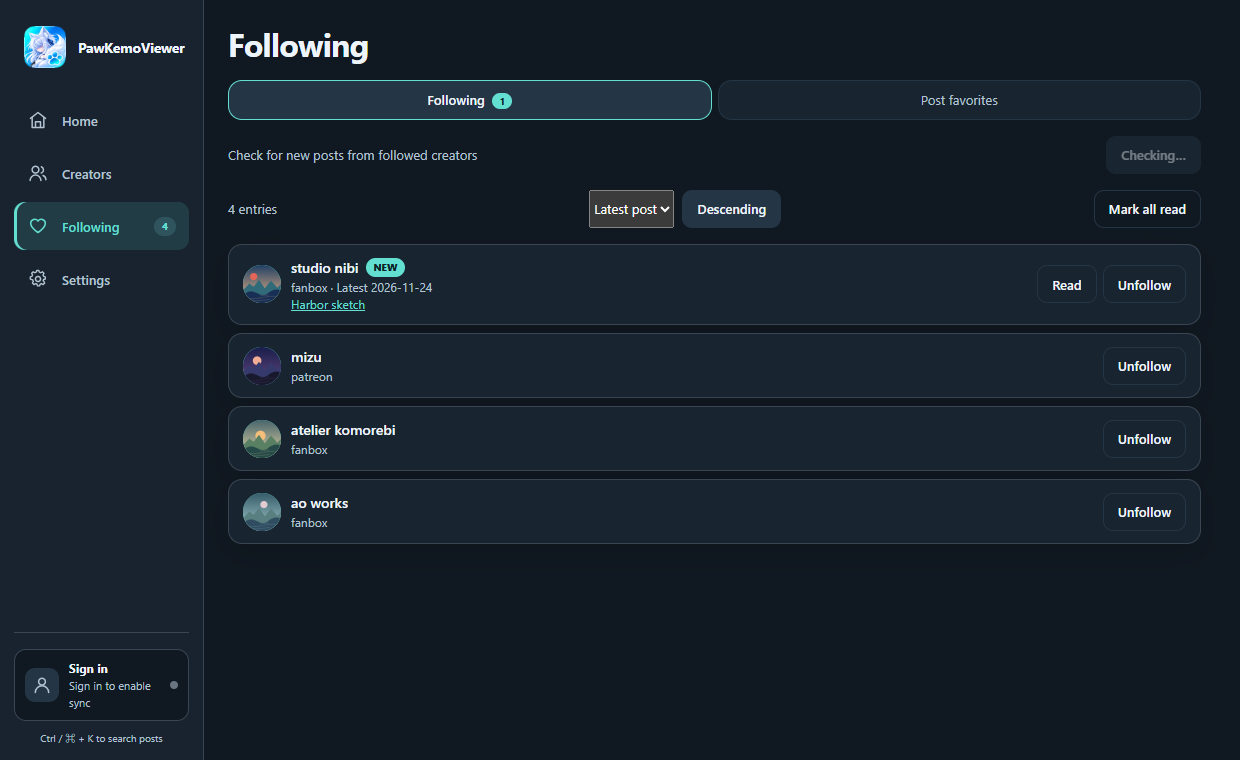
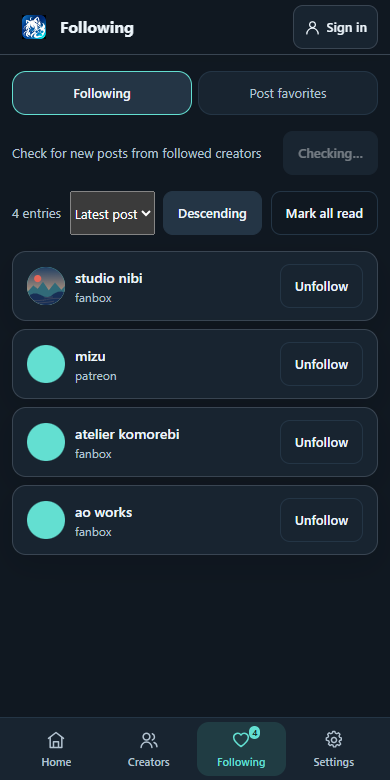
Sign in to Pawchive to sync followed creators and favorites. Open Following to check for updates and visit unread posts.
Post thumbnails can be cached and reused. Choose a cache size or enable data saver in Settings. Cached thumbnails remain available in data saver.
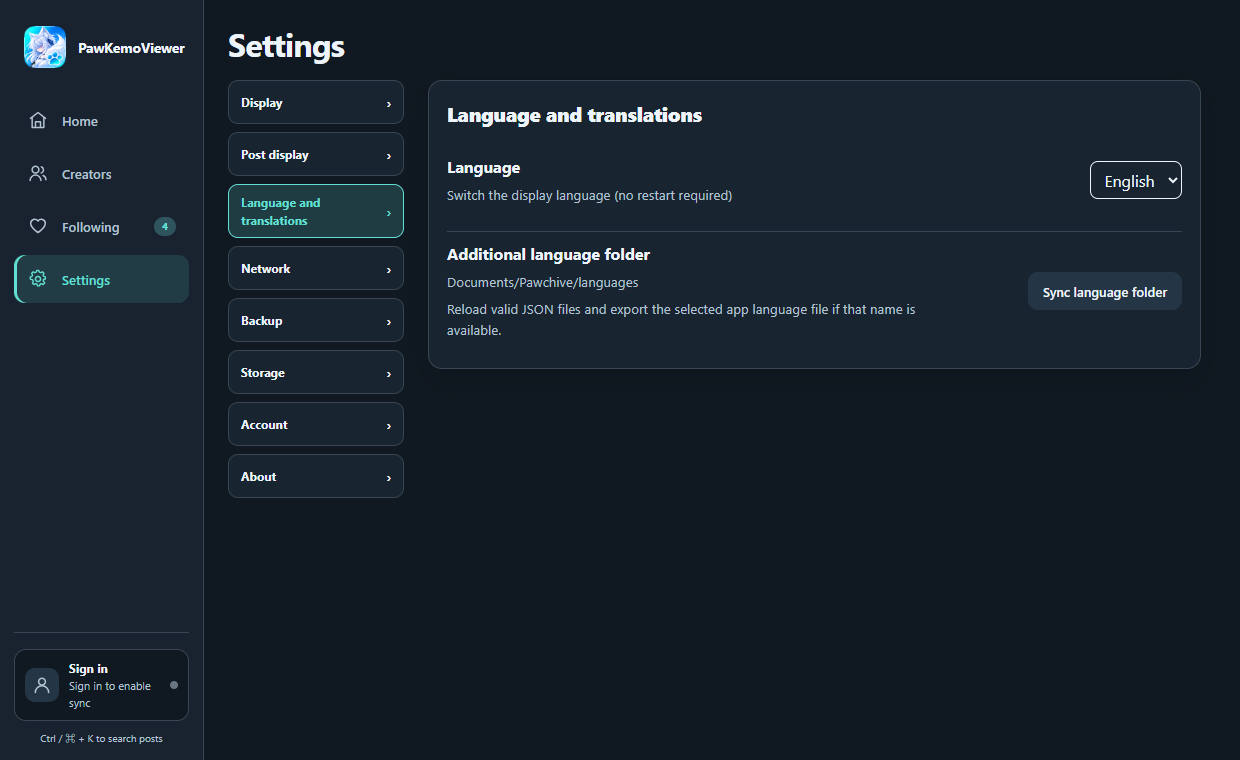
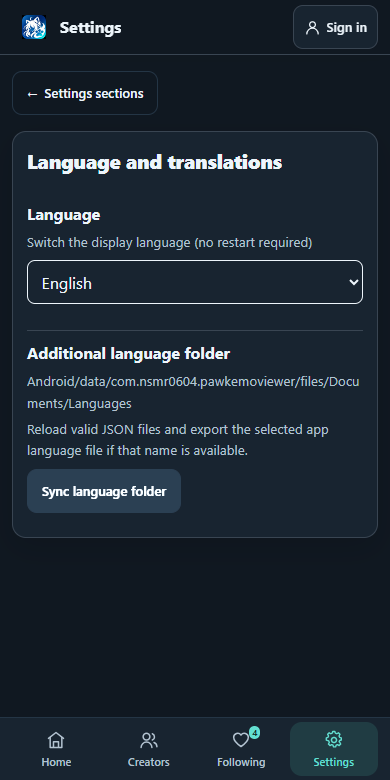
Switch between Japanese and English. Place valid translation JSON files in the additional language folder and select Sync language folder. Export or restore a settings backup as JSON.
Download the package for Windows, Linux, Apple silicon Mac, Android, or iPhone/iPad below. The iOS/iPadOS IPA requires signing before installation.
These screenshots show the 0.5.7 production interface with sample data. Use the controls to change the device or theme.
Each platform shows the latest build available.
This app is not affiliated with Pawchive or the content providers. The developers and distributors assume no liability for any problems or damages arising from use of the app.
In addition to GitHub Releases, you can install and update from these repositories.
Self-hosted F-Droid: https://nsmr0604.github.io/PawKemoViewer/repo
Obtainium: https://github.com/nsmr0604/PawKemoViewer
AltStore / LiveContainer source: https://nsmr0604.github.io/PawKemoViewer/repo/apps.json
apt / rpm: https://nsmr0604.github.io/PawKemoViewer/repo
See the distribution documentation for details.